

Overview
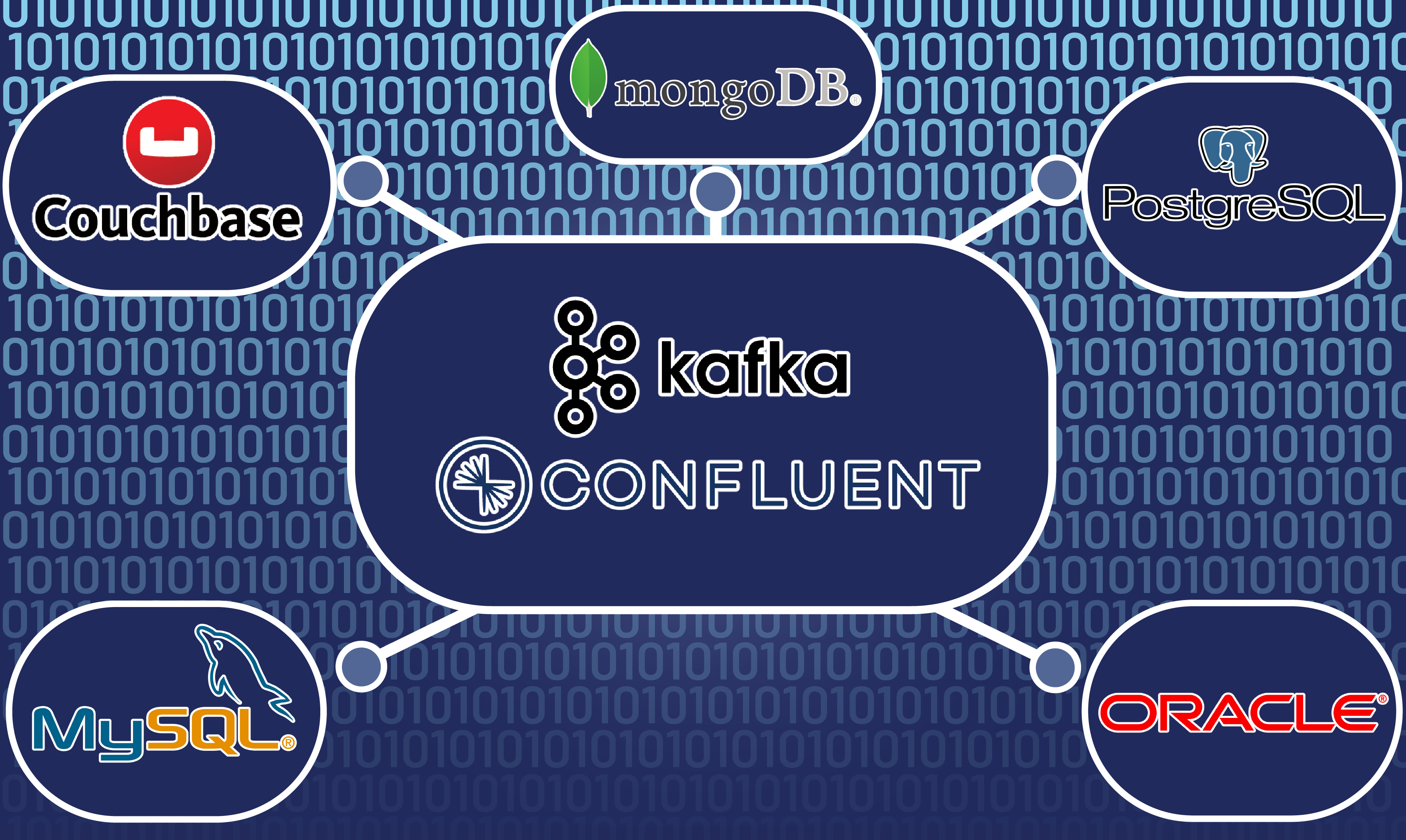
With Kafka Connect, we are able to set up Kafka to interact with external data stores. In this article, we will be using source connectors to monitor and retrieve data from the configured traditional data sources.
Prerequisites
- Have Confluent running with Connectors component configured with the appropriate connector plugins.
- Configure Kafka with
auto.create.topics.enableproperty set totrue, or have the appropriate topics created. - Have RDBMS (e.g. PostgreSQL) running and accessible.
- Have NoSQL (e.g. MongoDB) running and accessible.
JDBC (PostgreSQL) Setup
RDBMS databses are connected using JDBC, so the configurations remain similar across engines when creating a new connector:
This can be done via rest api:
```bash
curl -X POST http://connectors:8083/connectors -H "Content-Type: application/json" -d '{
      "name": "<JDBC source connector name>",
      "config": {
              "connector.class": "io.confluent.connect.jdbc.JdbcSourceConnector",
              "connection.url": "jdbc:postgresql://<PostgreSQL connection URL>",
              "connection.user": "<user name>",
              "connection.password": "<password>",
              "topic.prefix": "<topic prefix>",
              "mode":"timestamp",
              "timestamp.column.name": "update_ts",
              "table.whitelist": "<tables to monitor>",
              "validate.non.null": false
              }
      }'
``` or through the Confluent Control Center's Connectors configuration screen:
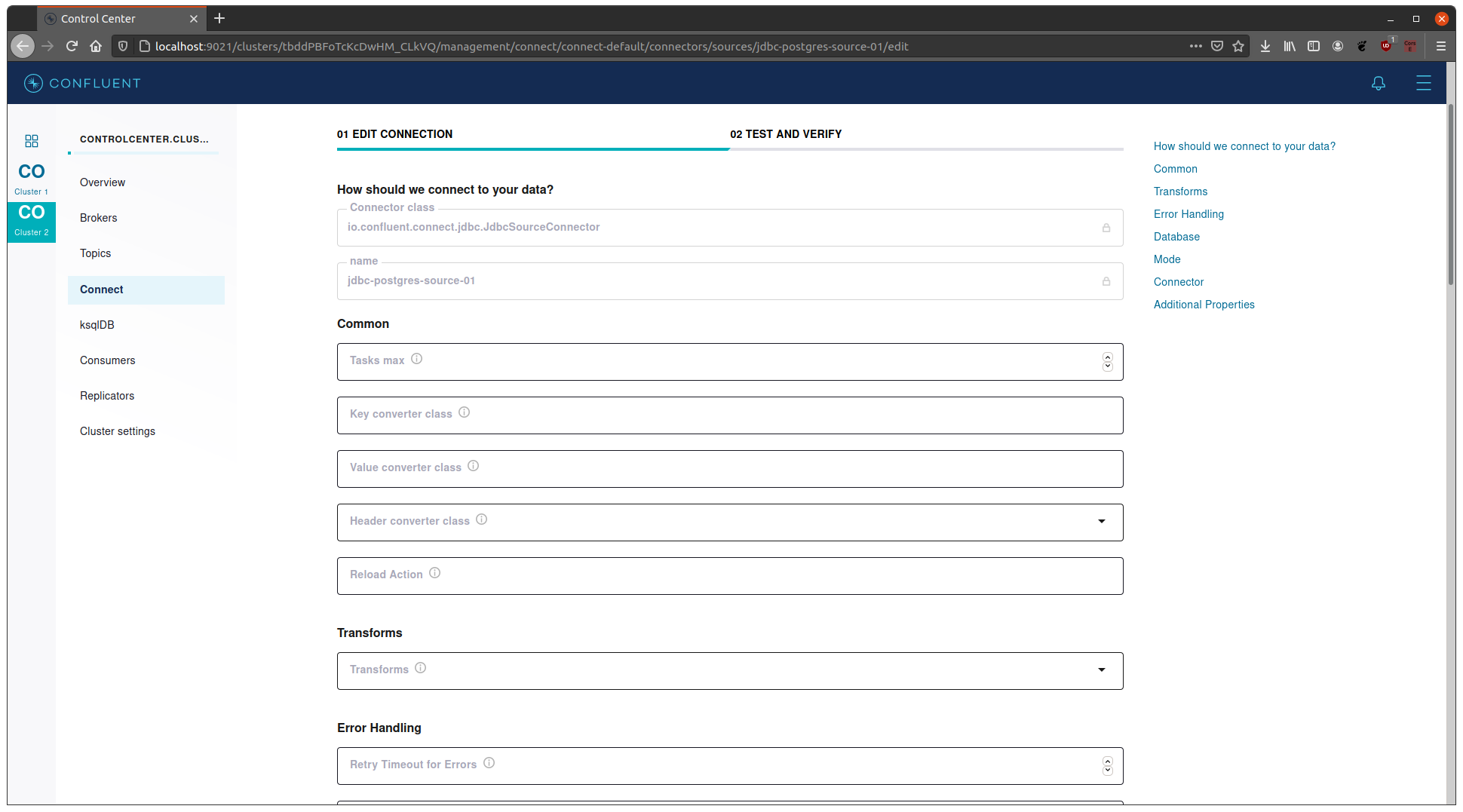
*Notes:
- Within the
configsection of the payload,poll.interval.msattribute can also be added and set to desired value, by default this is to5000if unspecified. - for the
modeattribute, the possible values arebulk,incrementing,timestamp, ortimestamp+incrementing.bulkinstructs the connector that entire table should be published each time the poll interval occurs.incrementingtells the connector that whenever a new record is added to the database, it should be published to kafka as well.incrementing.column.namecan be added to specify a static column; otherwise, connector will try to use a non-null autoincrementing column.timestampwould have the connector publish a new kafka message whenever a record is modified based ontimestamp.column.nameattribute.timestamp+incrementingcombines the 2 afformentioned.
- For additional JDBC configuration info, check out JDBC Source Connector Configuration Properties page.
NoSQL (MongoDB) Setup
NoSQL connectors are database engine dependent, so the setup from one engine will differ to another. For this article, we’re using MongoDB as an example.
-
We can create the source connector via rest api or UI as before, below is the curl command:
curl -X POST http://connectors:8083/connectors -H "Content-Type: application/json" -d '{ "name": "<MongoDB source connector name>", "config": { "connector.class": "com.mongodb.kafka.connect.MongoSourceConnector", "connection.uri": "mongodb://<MongoDB connection URI>", "topic.prefix": "<topic prefix>" } }' -
Notes:
- Similar to JDBC,
poll.await.time.msattribute can be added to set polling time, by default this is5000. - We can specify the database to monitor by adding the
databaseattribute. - For more granularity, we can also specify the
collectionattribute. - We can specify
copy.existingtotrueif existing data should be copied during connector creation. - To publish only the document instead of the complete change stream document with metadata, we can specify
publish.full.document.onlytotrue, this by default isfalse. - For additional MongoDB configuration info, check out Kafka Source Connector Guide.
- Similar to JDBC,
Running the System
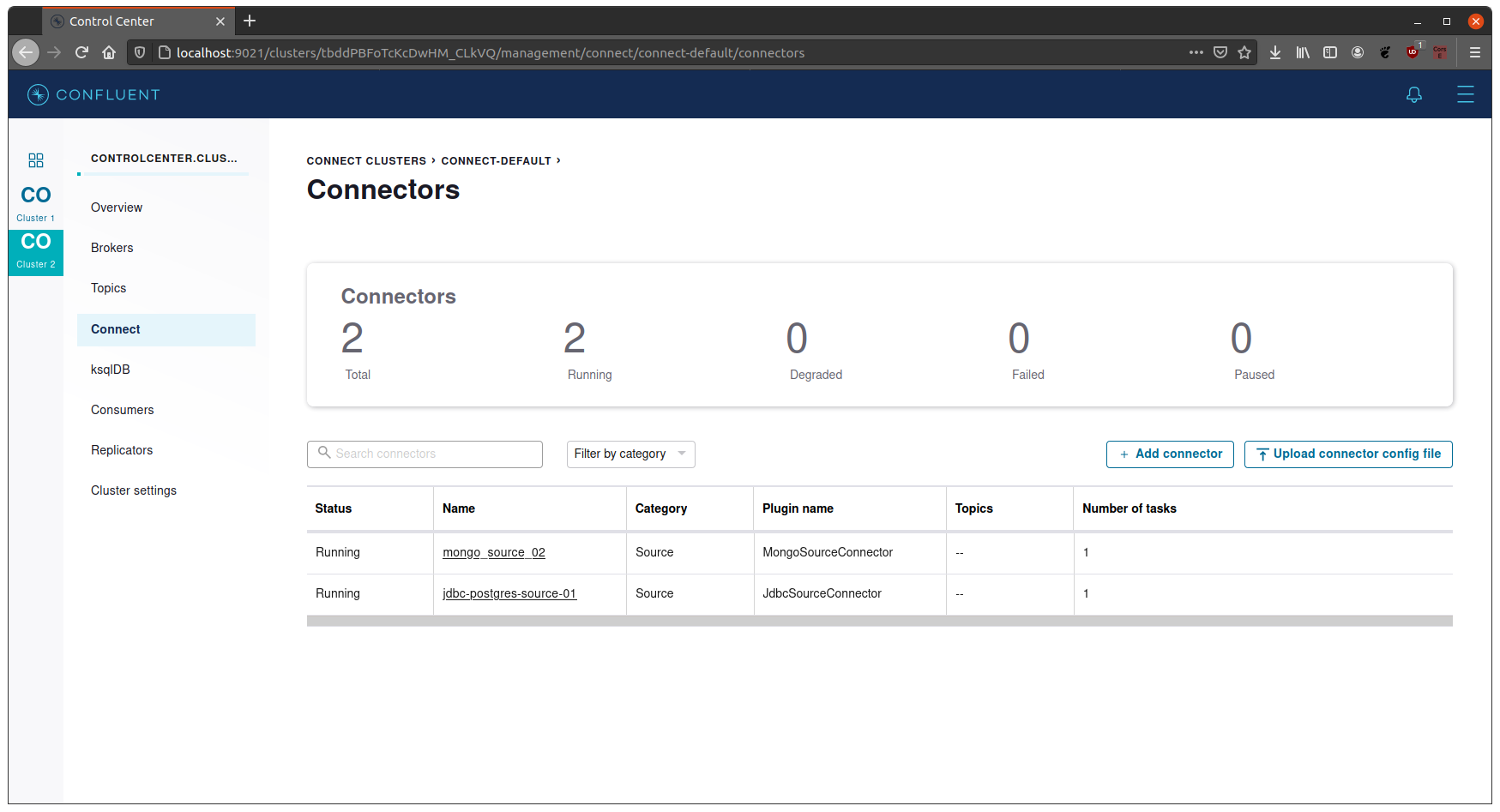
- Once the connectors have been created and setup correctly, we can see them in the
Connectorspage of the Control Center.
- We can check for more details through the rest api:
curl -X GET http://connectors:8083/connectors/<connector name>/status -H "Content-Type: application/json"- if there are any errors, rest api response would show more details than the Control Center UI.
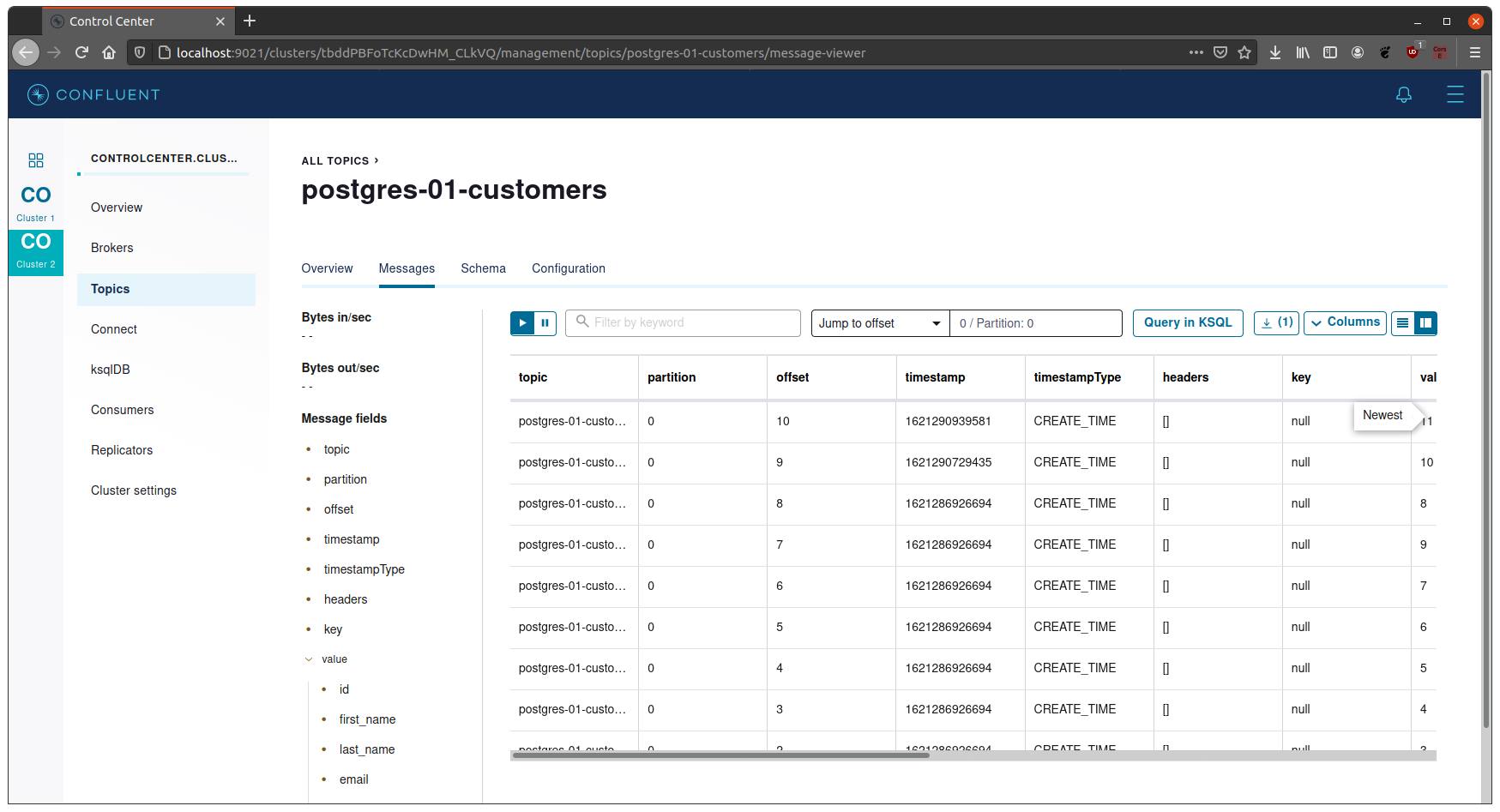
- New messages should populate the corresponding topics.